Rig In 5 (Import Tab)
Once you have installed the addon this is the panel you'll see by default, The import Tab
is active logically because this is the first step we need to do to start any car rigging process,
if you are working on your own model instead or make another importation using the blender files
imports like, FBX, OBJ, USD... and so on!! you can skip this tab... and start your process on Reset Tab.
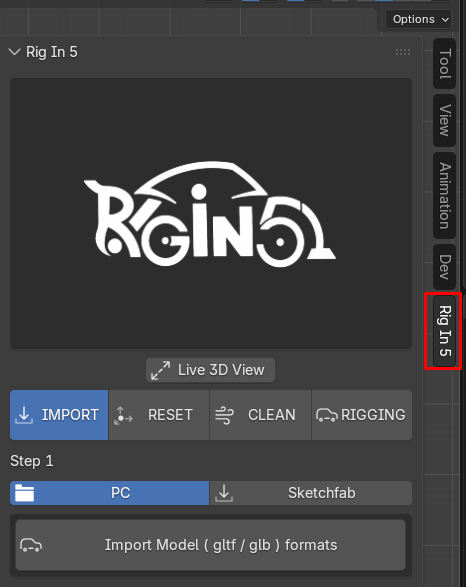
Import from PC
to import from our PC activate the PC Sub tab. there we just have one Operator
call import model ( glb / gltf ) formats as shown below
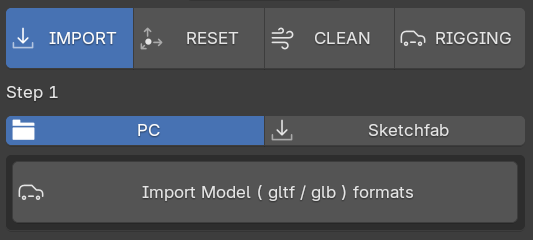
when clicked! this launch a blender's Import Helper Windows where we can choose our Downloaded car model
as you can see below.
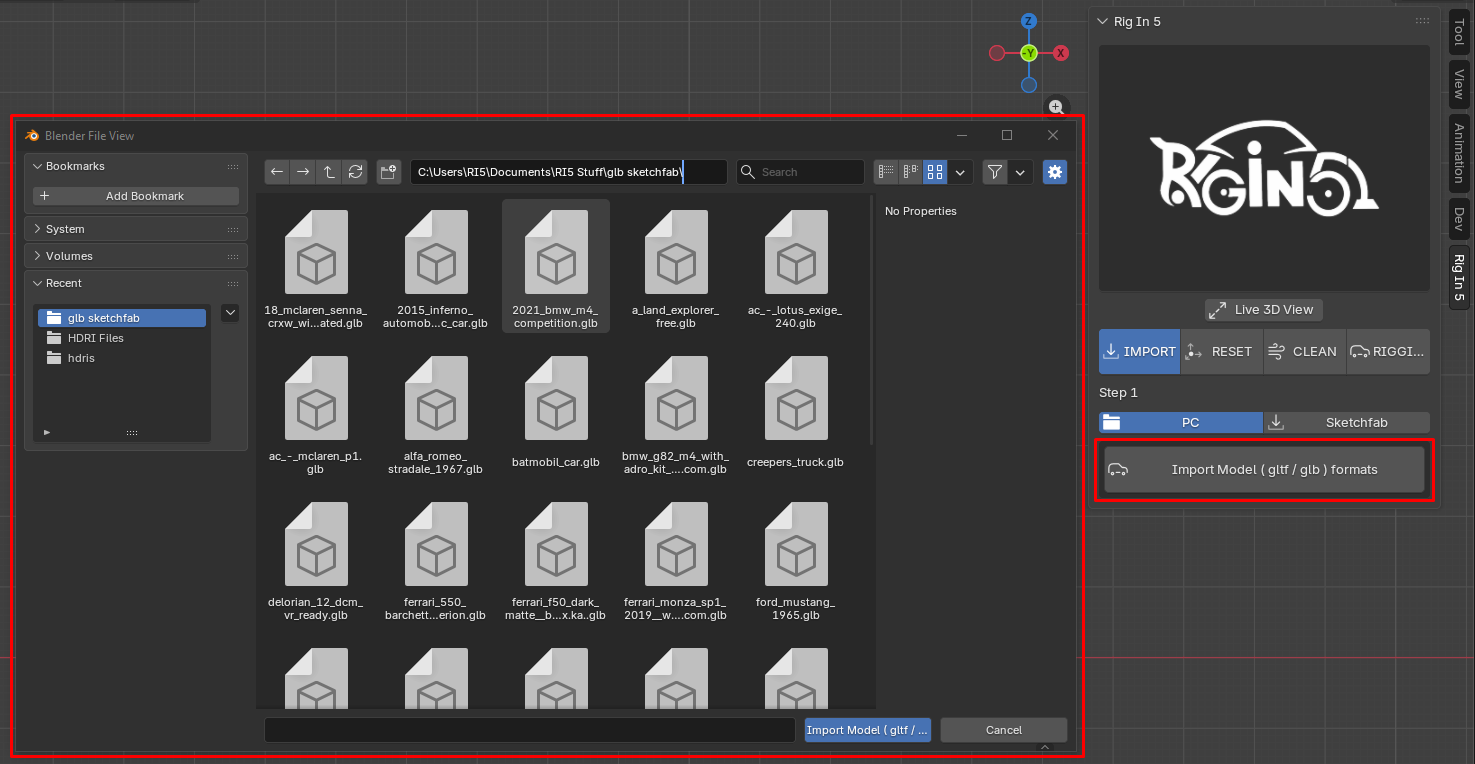
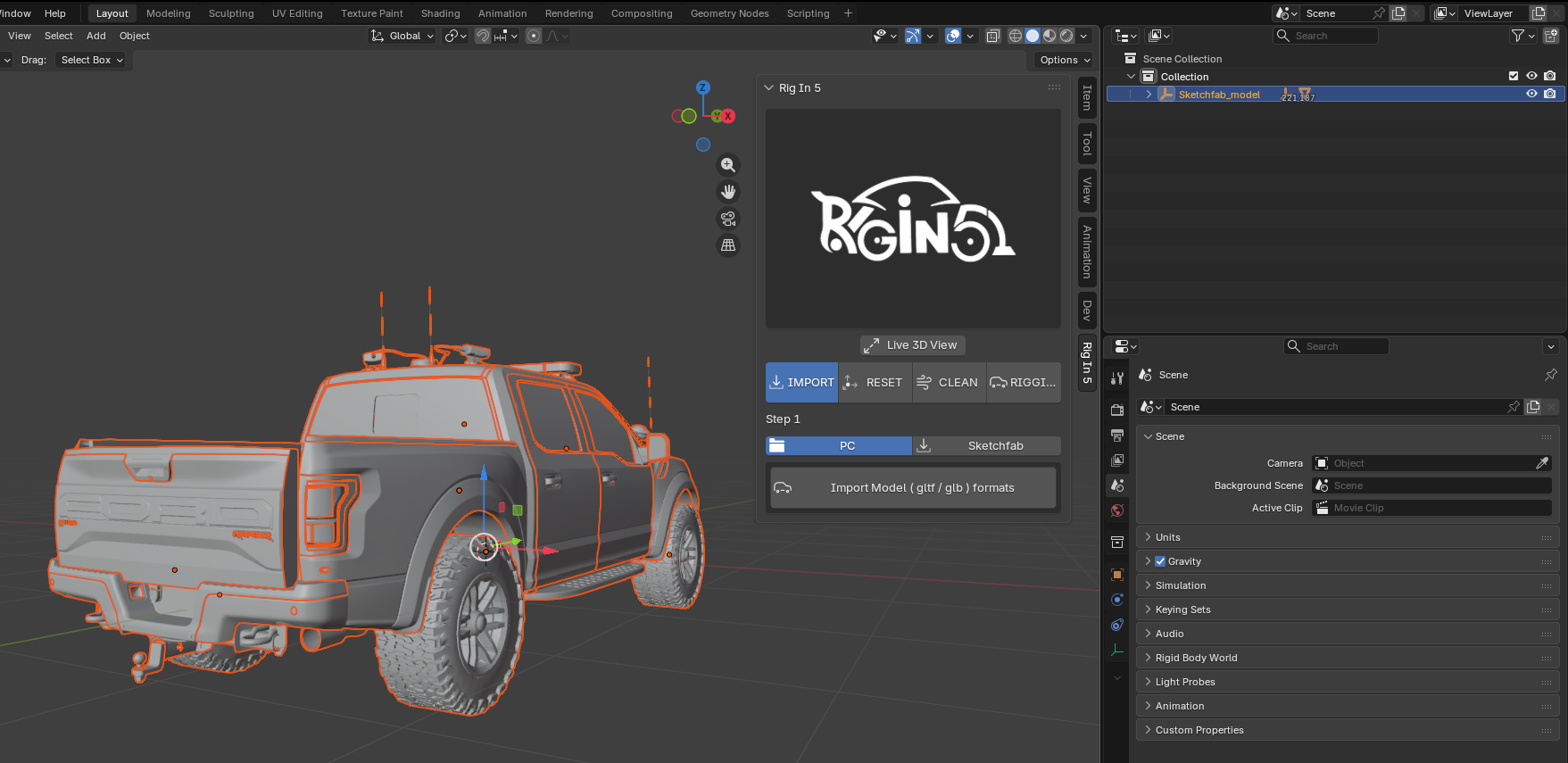
in this case i've import the Police Raptor car which i've downloaded earlier from sketchfab page
inside Blender this is what we get.
Import using Sketchfab API
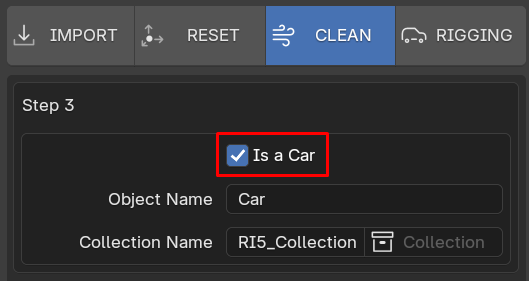
by clicking the Sub-Tab "Sketchfab" as shown below , we can see more tools to make our car imports here i reimplement another sketchfab API to connect your sketchfab account with blender i kept mostly the same GUI that we can see on the Sketchfab Addon. the main difference is that here on Rig In 5 we just can search and import car models by default, if you want to download other type of model you need to deactivate the property Is s Car we found on the Clean Tab, this will explained in details there.
Is a Car property on the Clean Tab
as you can see in the image below activating the sketchfab option we have many options
like activate the addon, import from URL, a search text field to type whatever we want to search
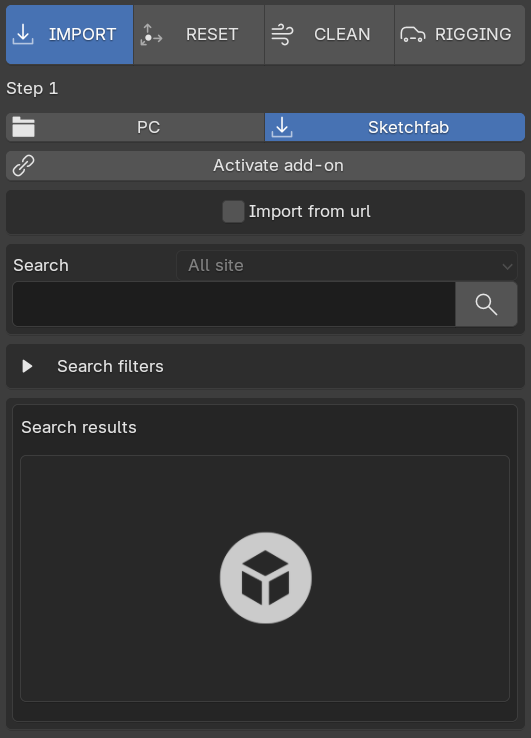
before to do anything we need to activate the addon clicking the corresponding Operator
pressing "Activate add-on"
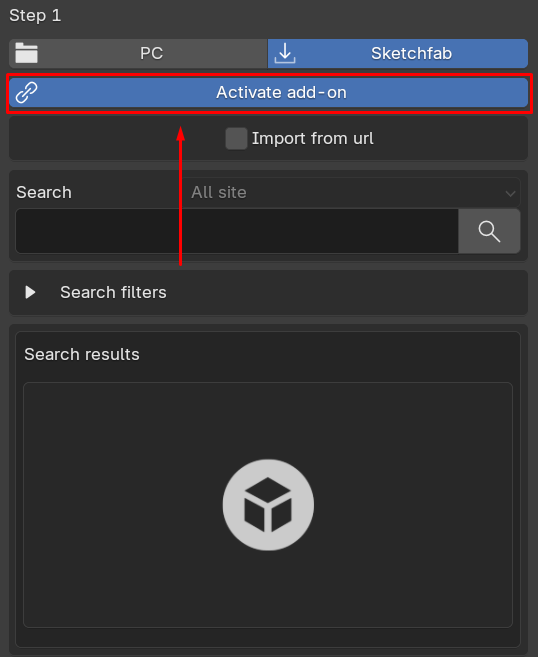
once you do that you can Used two ways to connect your Sketchfab account with Rig In 5
and start download model from the sketchfab platform within blender directly to you Scene
by default to property "Use mail/password" is activated so you can provide your sketchfab
Login Email and Password here to connect.
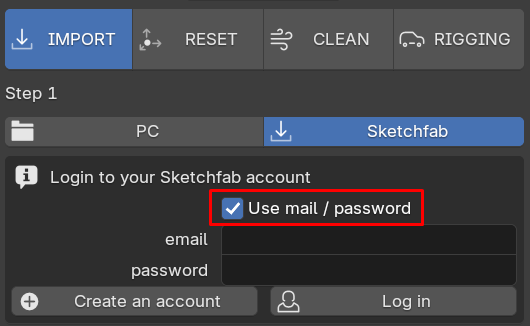
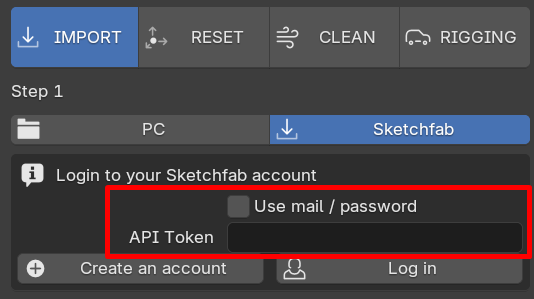
if property "Use mail/password" is deactivated you are telling the add-on to used other way to connect
which is Using "Api Token" that sketchfab create for us when we make a new account.
the Api Token can be found this way go to My Settings -> password & api -> API token
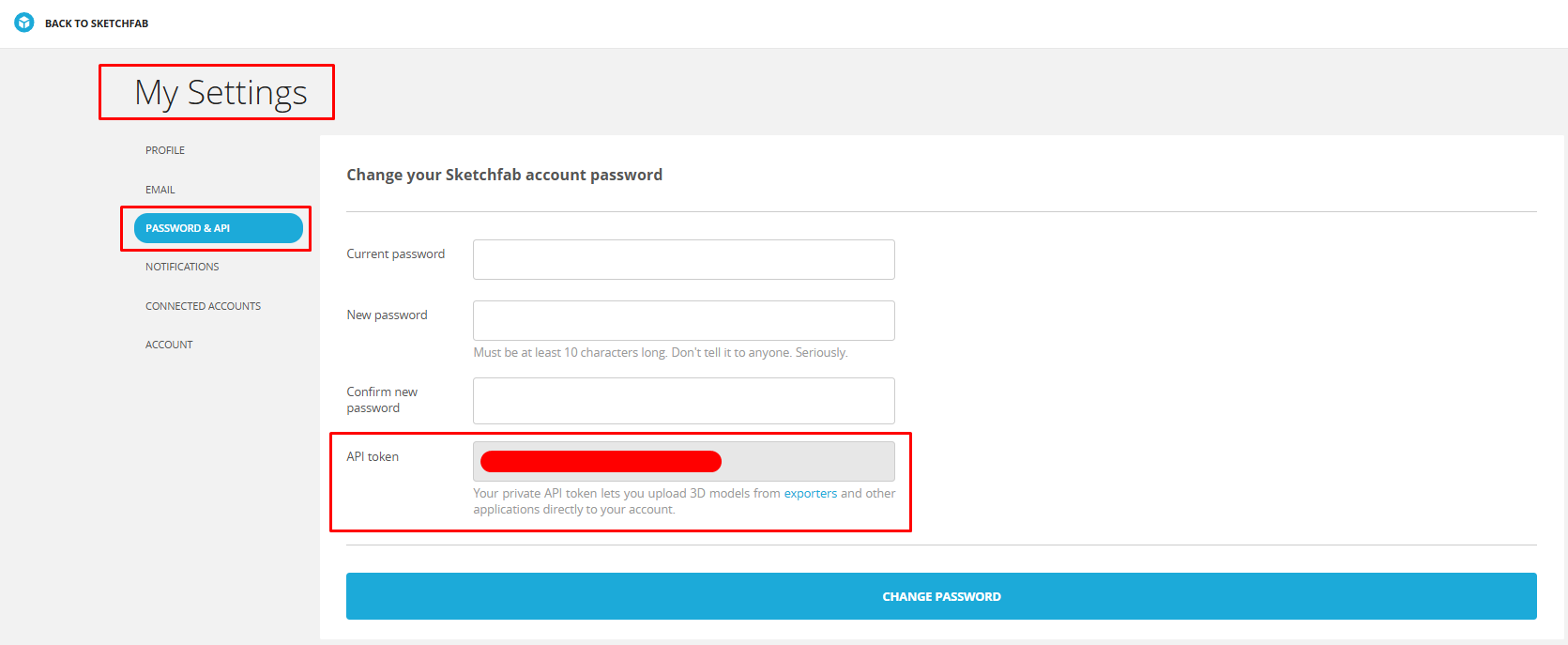
copy that API Token from the sketchfab page and paste here them press Log in
Once you logged this is what you get, so now you can search the car you want to Rig!
to keep this guide aligned let's used the URL import type.
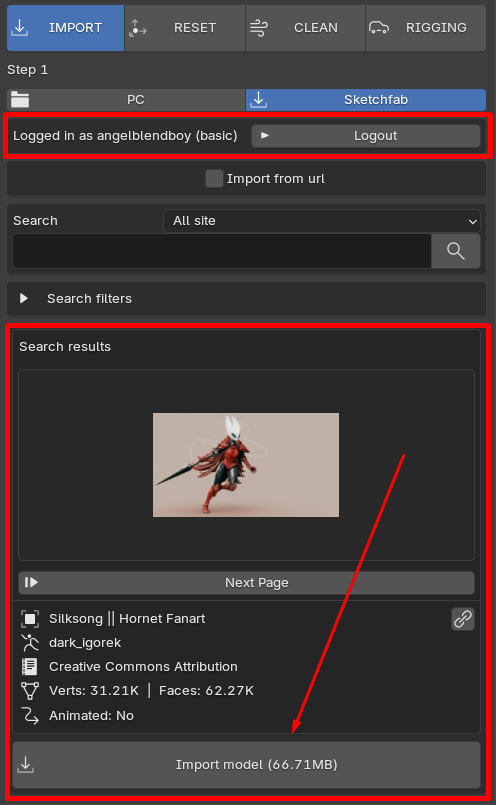
Sketchfab imports by URL
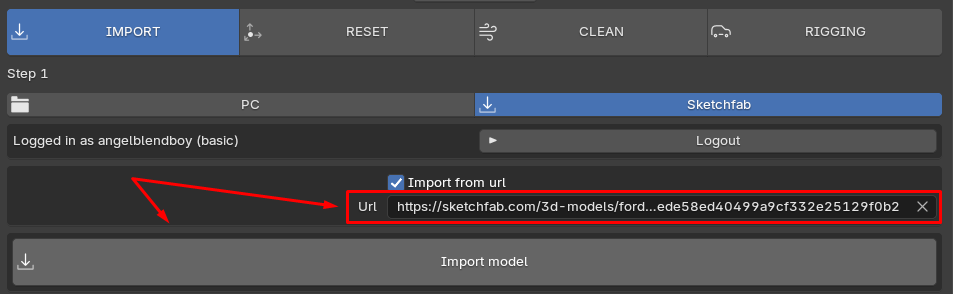
to use URL imports we need to activate "import from url"
import from url deactivated
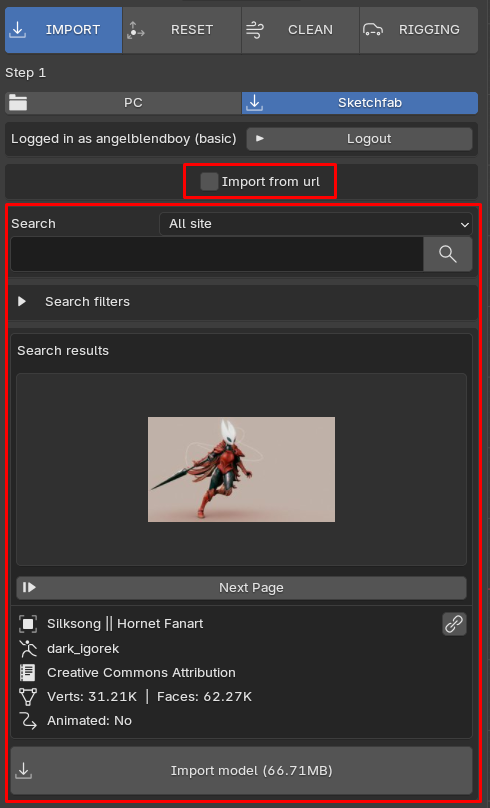
as you can see above while "import from url" is deactivated the addon shows us a full
features to search with that can display thumbnails of the model provided from internet
even details like Name, Author, Licensing, Geometry Data which is cool because we can
see what we are downloading with ease just in Blender UI.
now if import from url is activated we only get a URL textfield to be fill
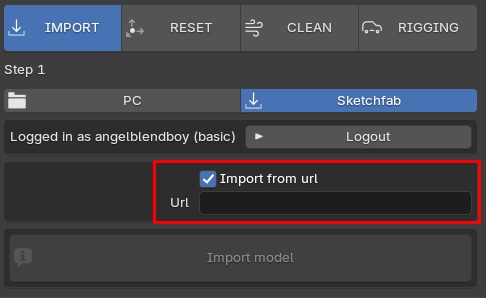
so in our browser, we need to copy the URL of the model we we to import to our scene in blender
just like shown below:
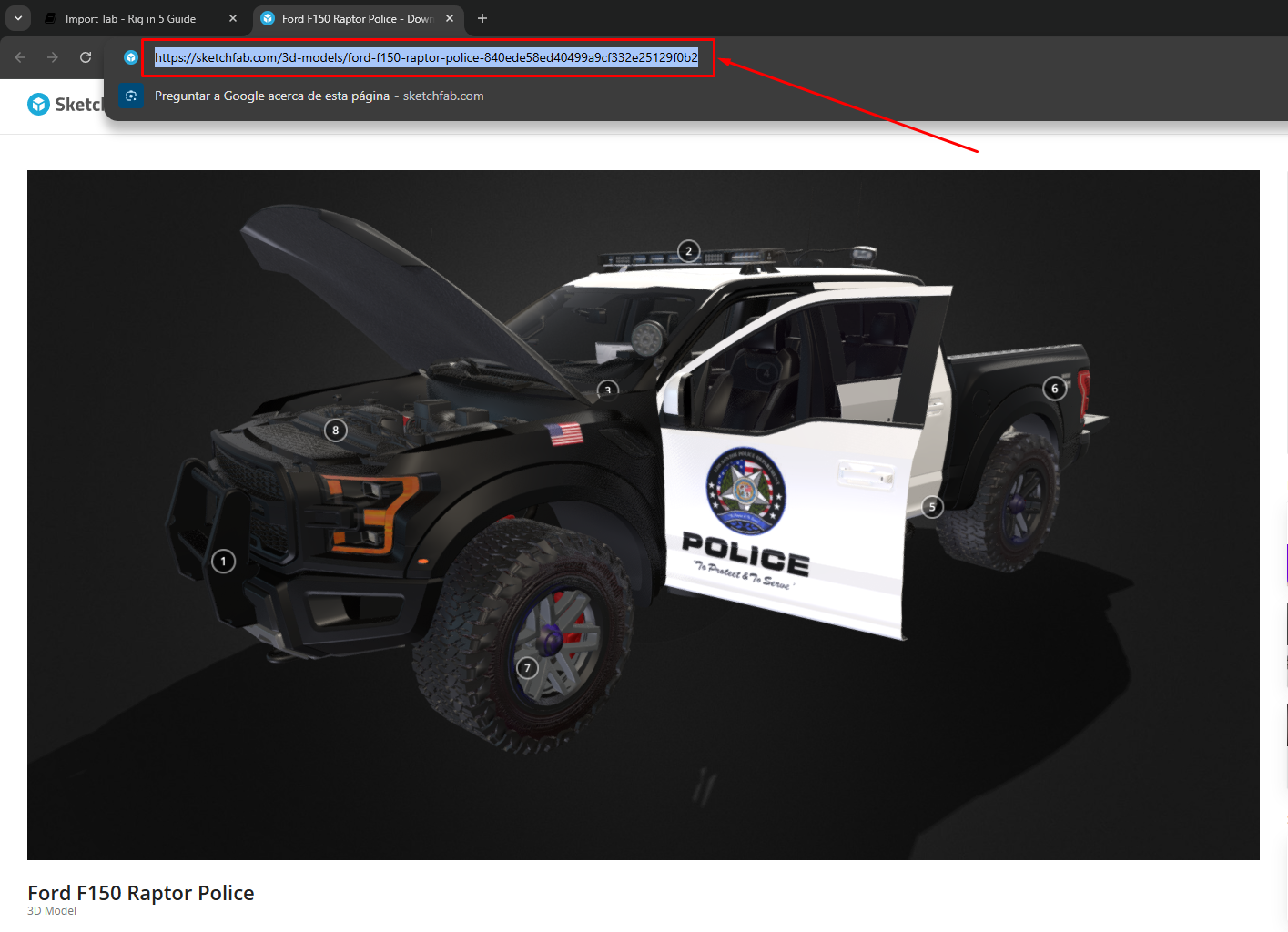
and paste it here, and when you press import button you done,
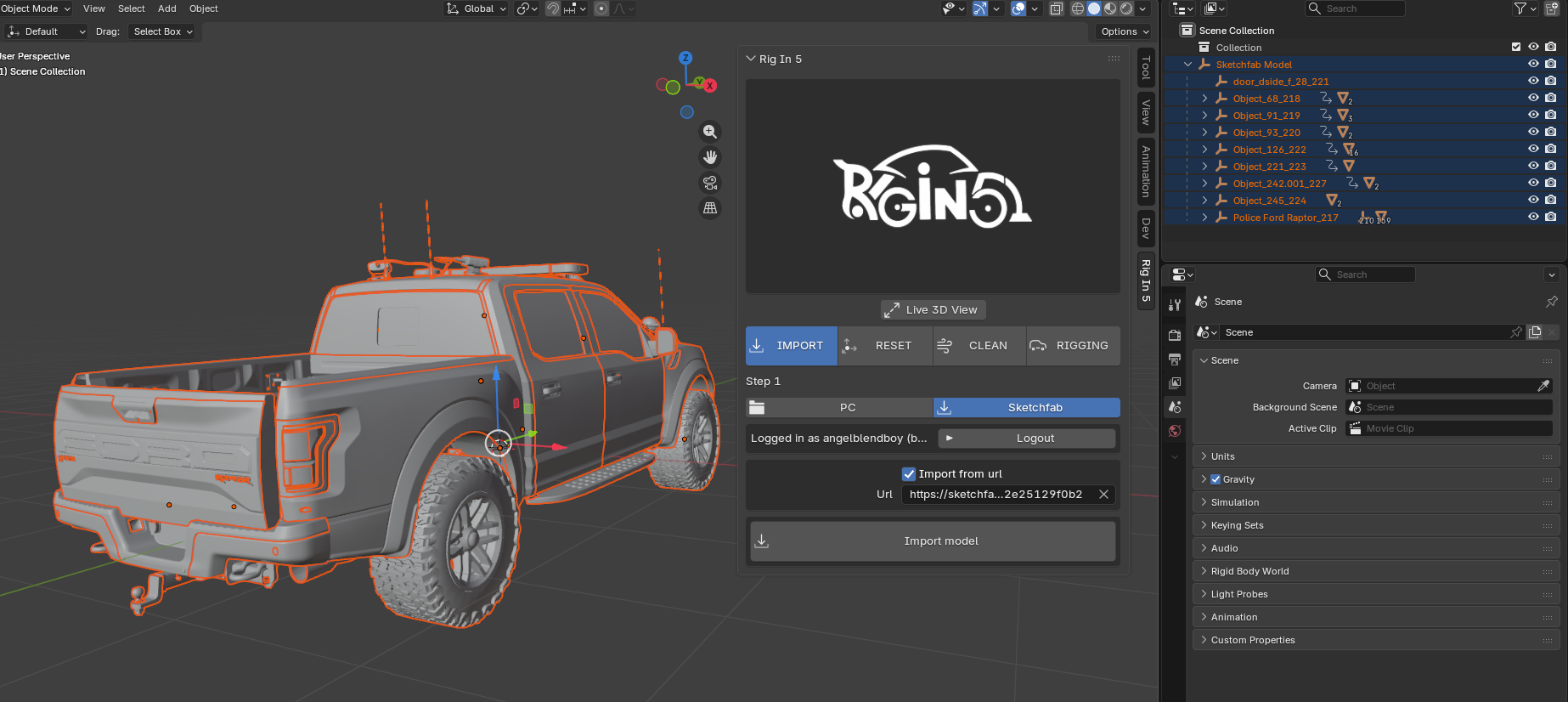
now that model would be downloaded directly from sketchfab page to you blender scene.
Result:
Sketchfab imports by Search
now lets make an import using from blender itself without the need to go to a browser
for we make sure to deactivate "import from url" to see panel we saw before:
this one from here:
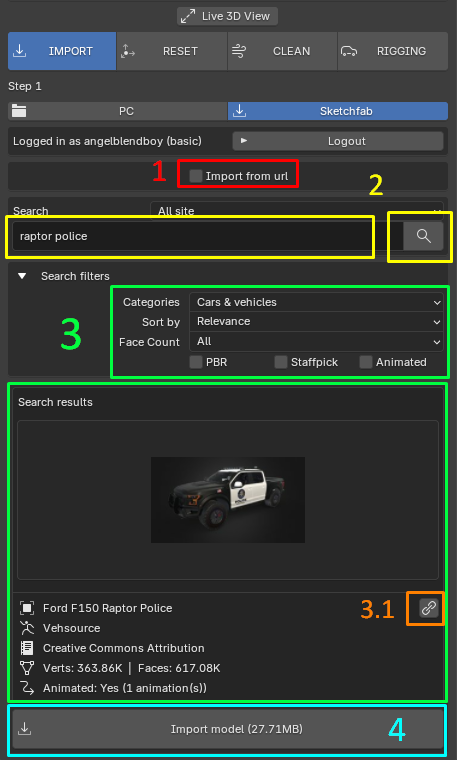
Steps Followed on above images:
1) deactivate Import from url
2) type the of the model you are looking for like this example "raptor police", then clean search button
3) if you want can use the filtering features shown to get a more accurate result. pick "cars-vehicles"
this are all the filtering option available:
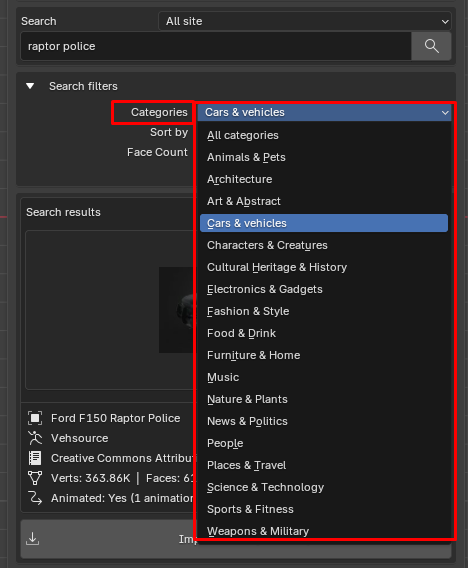
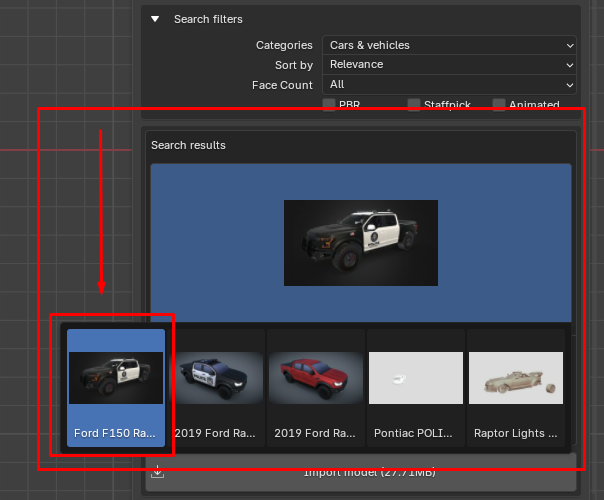
as you can see a model thumbnail that will help us to recognize the model we want
if you click the thumbnail a list will popup showing us more options if these ones exist
as searching result like are shown here:
3.1) the button with chain icon will open your web browser taking you to the exact model on the sketchfab page
4) pressing import model (file weight). start downloading the "raptor police" model to your blender scene,
keep in mind depending the model size or weight this process can take some time.
Great Free Car Resources on Sketchfab
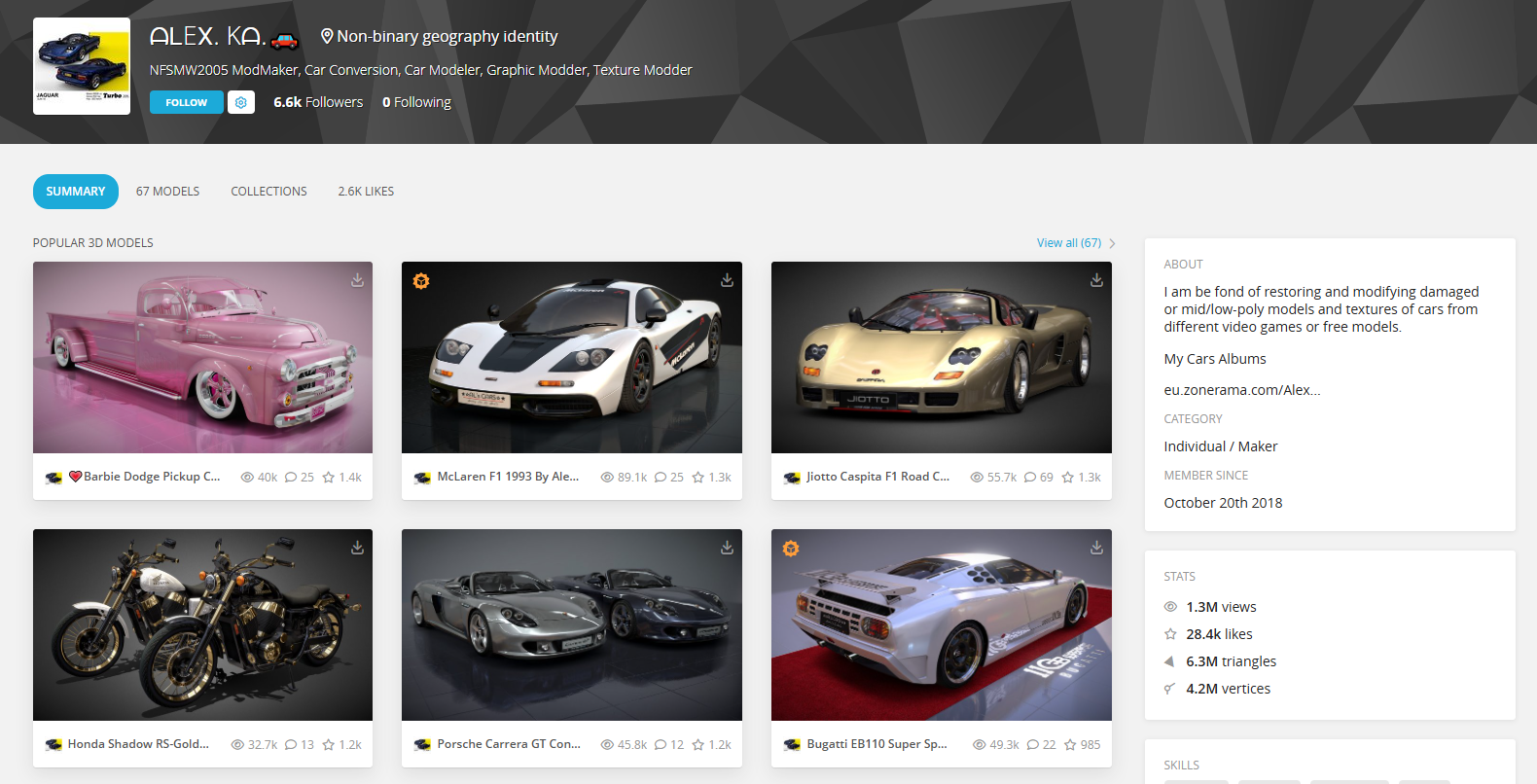
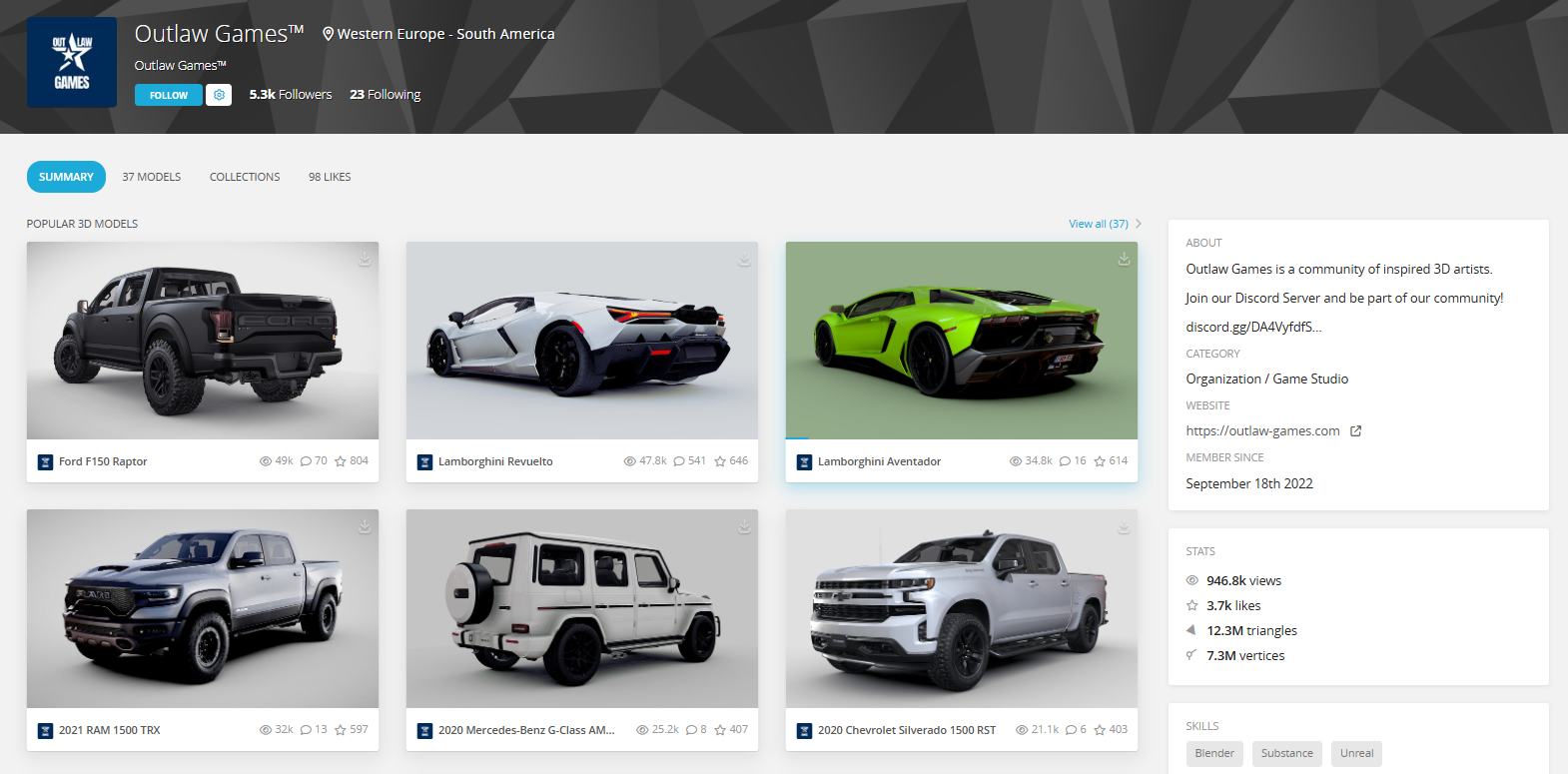
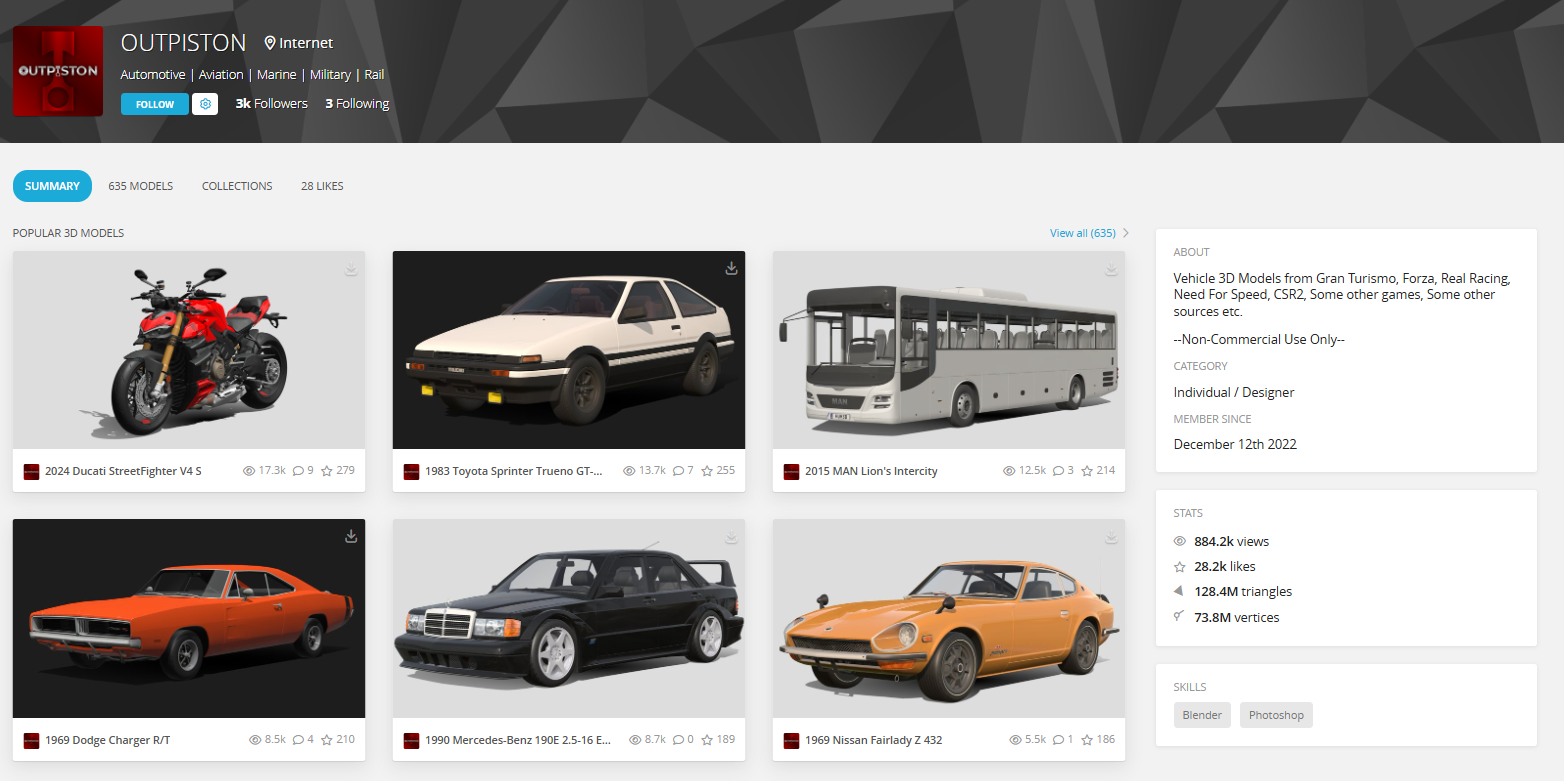
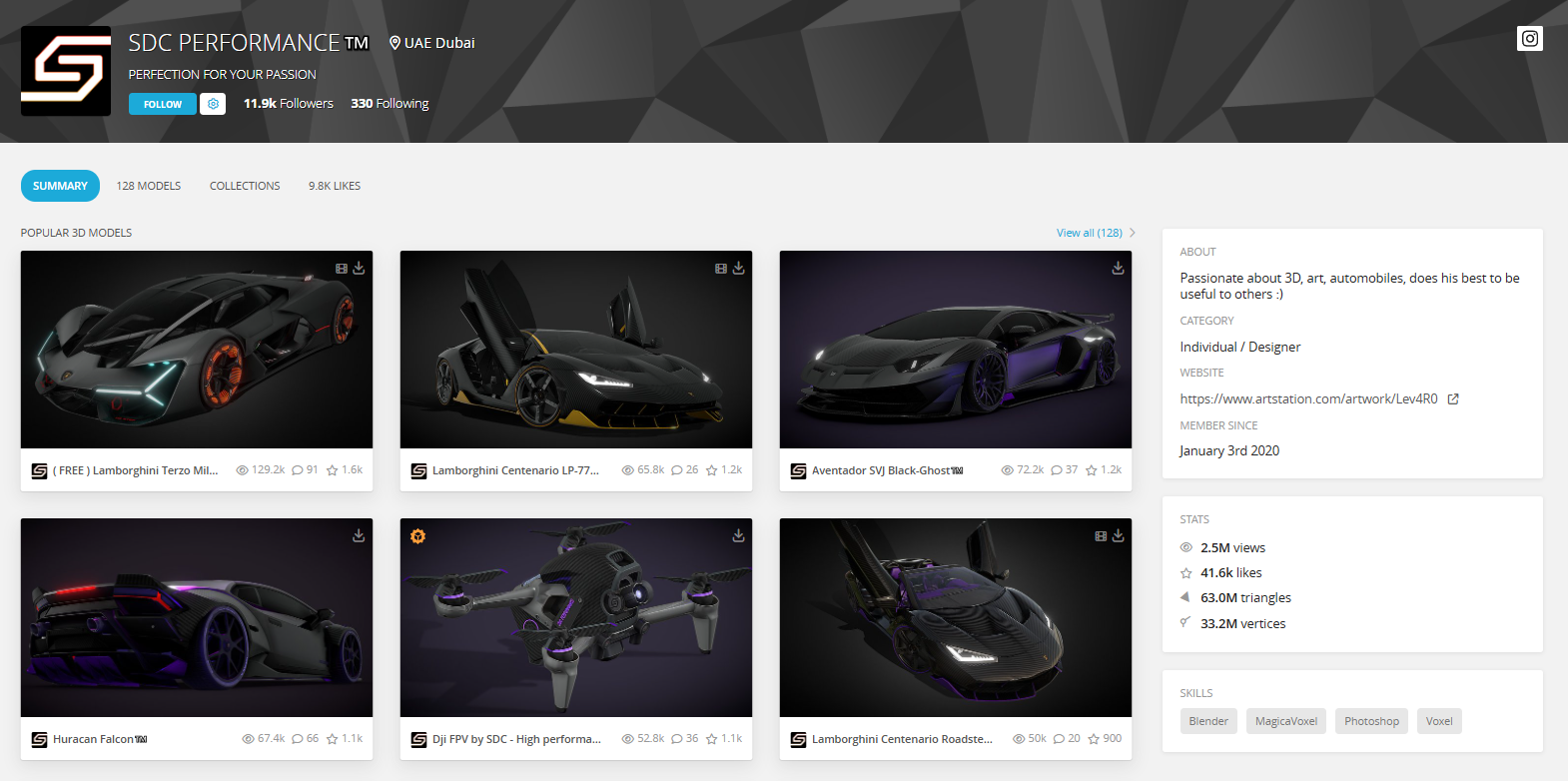
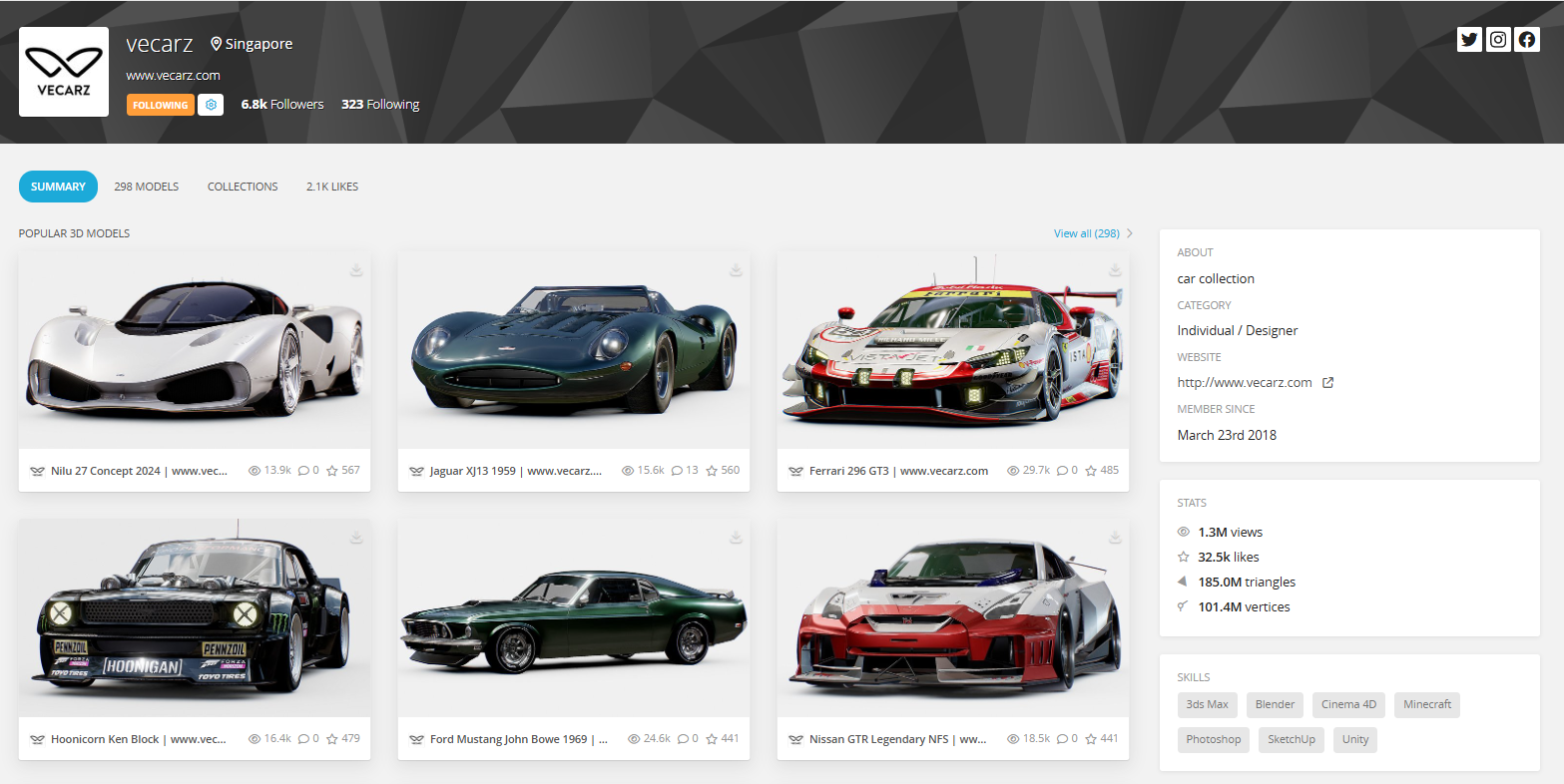
i want to shear some of the best sketchfab Car Artist that you need to know.
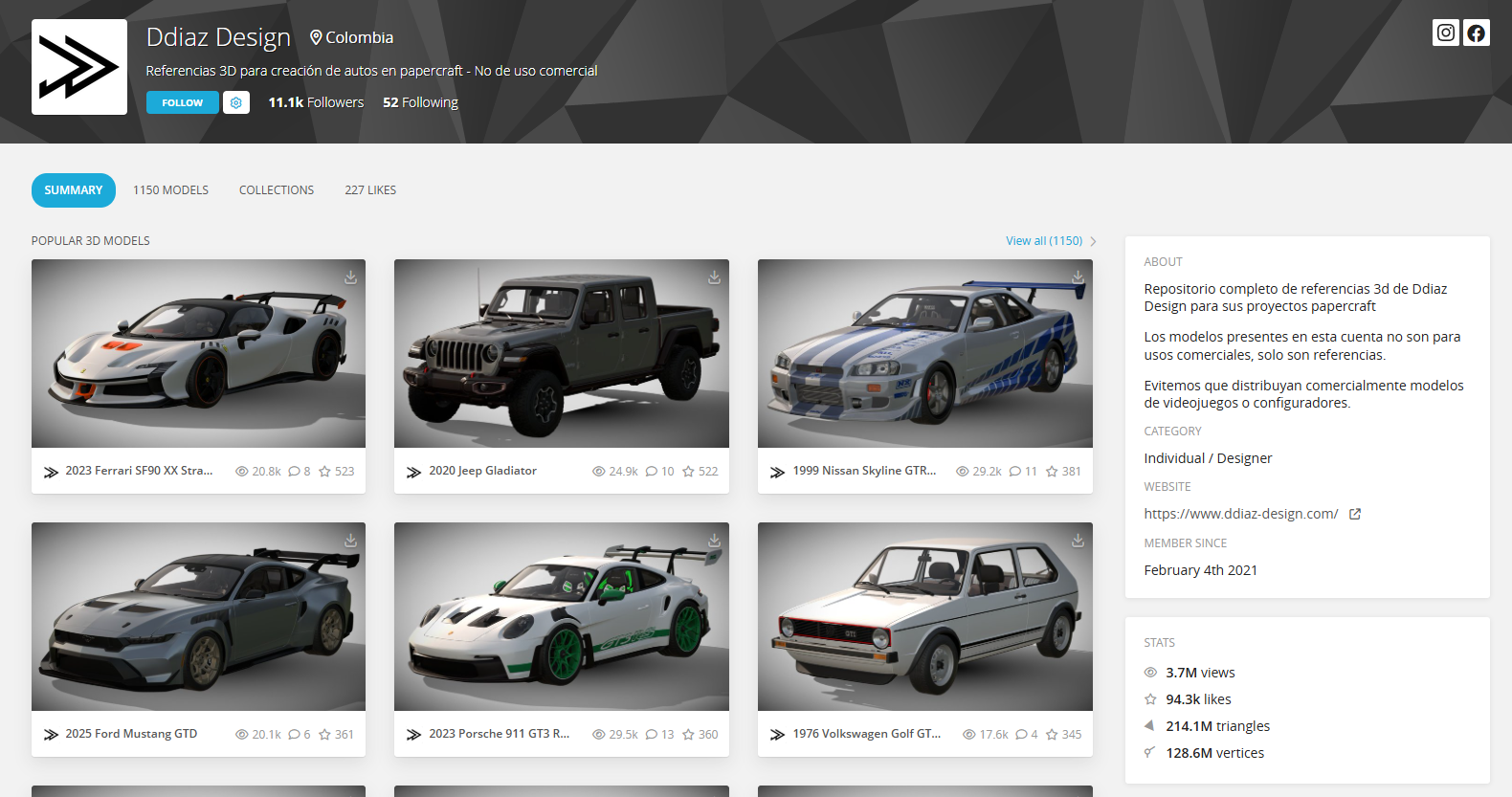
Ddiaz Design, here you can find really good car model
that are really easy to rig with Rig In 5. i just love rig his cars for that.